Ingredient Inspector
Ingredient Inspector began with something I read: a list of ingredients approved by the FDA and banned in other countries. Knowing which ones is a grocery-store problem, and not one you can solve from memory. So I designed and built an iOS app that turns a barcode, a photographed label, a product search, or a typed ingredient list into a plain-language result you can use in the moment.
1.0The problem
Not just a grocery store, either — anywhere I buy food. The question is rarely whether I can interpret every unfamiliar term on a package. It is whether there is anything on it I would want to know about before buying it.
It also did not stay one question. Hidden sugars are the clearest case: small variations on sugar with much the same effect, renamed to sound healthier or buried in a chemical name that blends into the list. Animal byproducts are hard to catch for the same reason — as a vegetarian I can read an entire ingredient list and still miss one. And a fourth group is legal but contested: vegetable oils among them, and the additives California moved to ban in 2023 where federal regulators had not. So the app sorts what it finds into Banned Ingredients, Hidden Sugars, Animal Byproducts, and Other Notables, and explains why something was flagged rather than reducing the product to a score or telling anyone what to eat.
2.0What I built
Ingredient Inspector is a React Native / Expo app built for iOS. Product and barcode lookups use Open Food Facts. Text recognition runs on the phone. Scan history, saved items, and preferences also remain on the device. The app requires no account and contains no ads, user tracking, or third-party analytics.
The finished beta includes the camera and OCR flow, product search, manual entry, ingredient matching and explanations, history and saved items, sharing, settings, help, and an in-app privacy policy. Most of the assets and the preliminary layout were drawn in Illustrator, and the mockup was built in Figma. The same project also required an identity system, motion work, TestFlight distribution, a support site, and a three-week external test. The product is still moving toward public release, but it has already crossed the line from prototype to something people outside the studio have used.
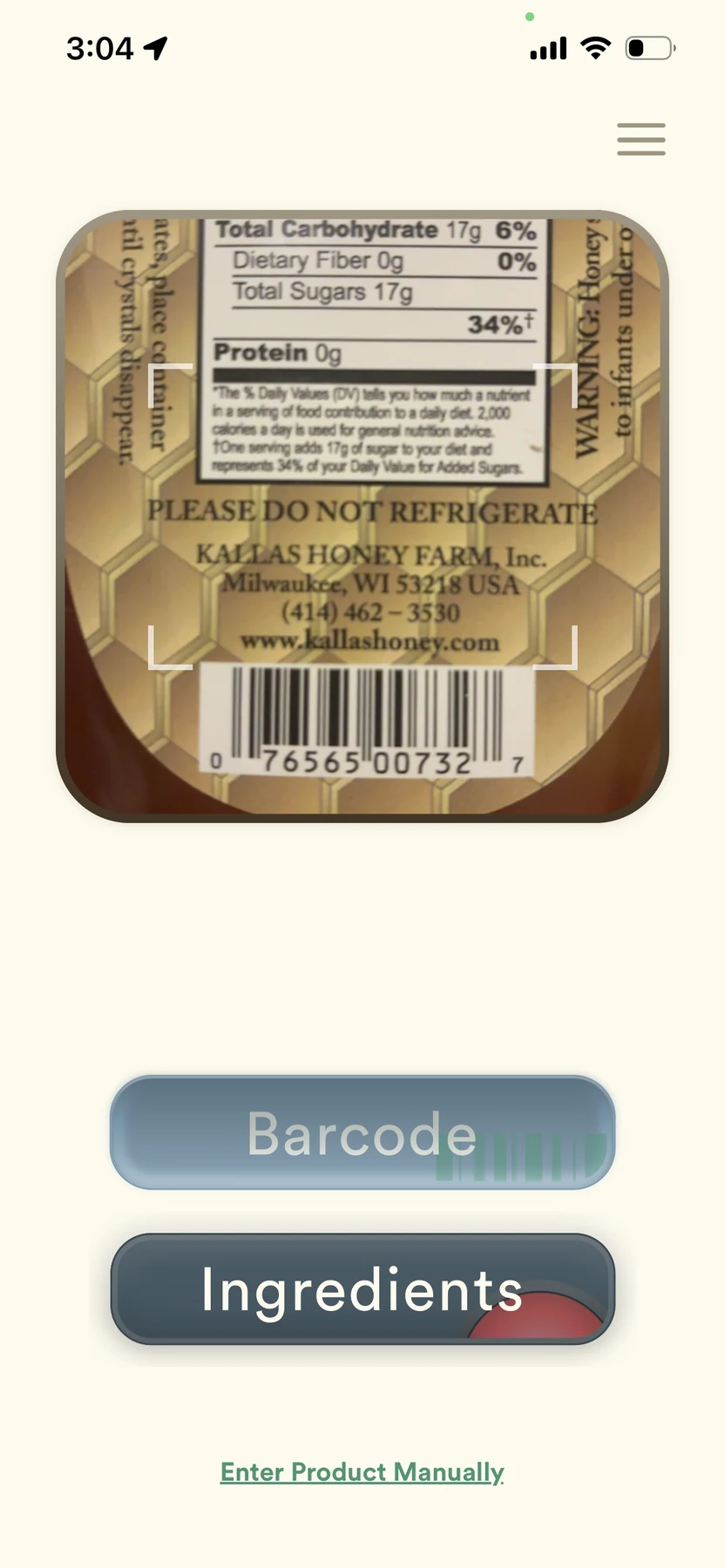
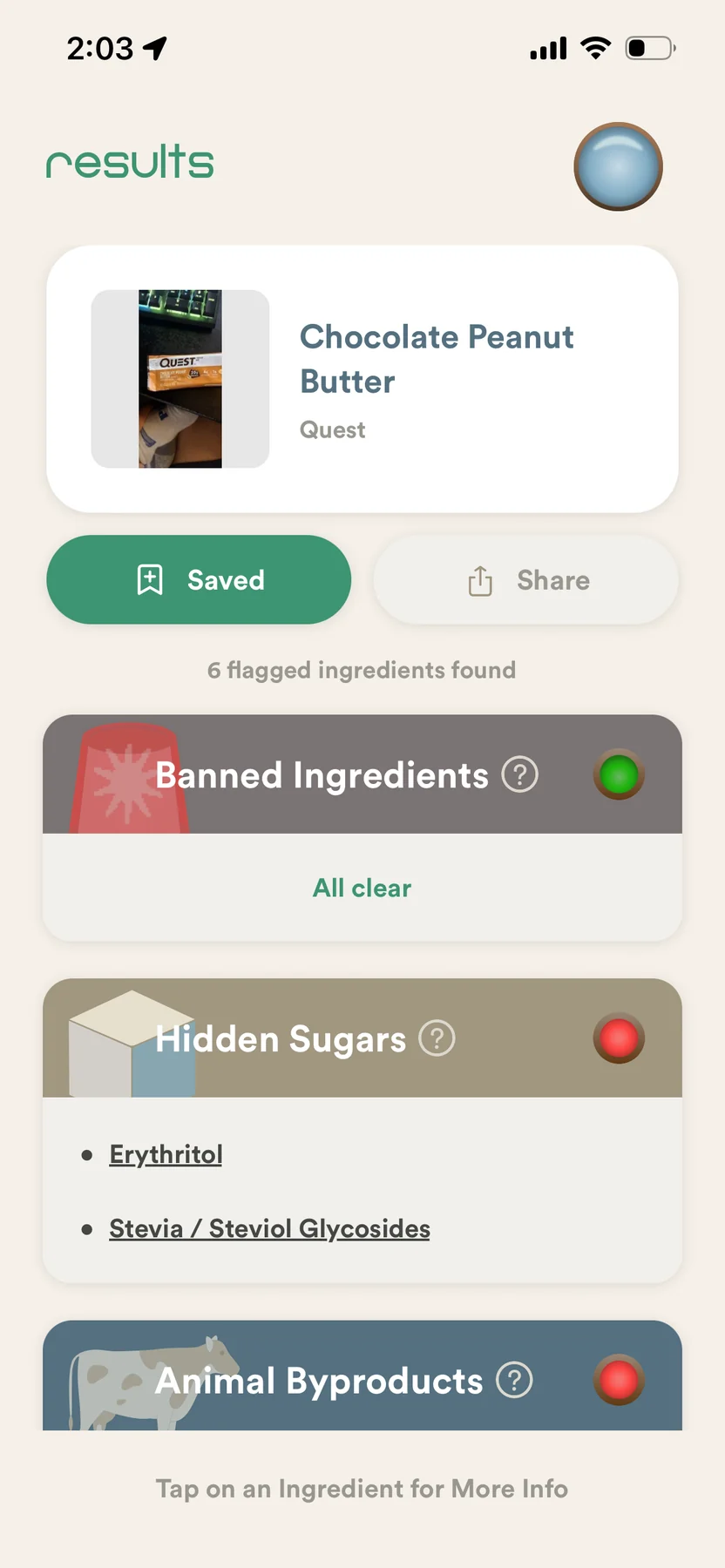
Figure 1Scan · barcode and ingredient-label modes share one camera surface. Results · clear and flagged states remain readable at a glance, with detail available on demand.
3.0Trust is a design problem
A food-information app cannot pretend to be more certain than its sources. OCR can misread a label. Public product records can be incomplete. An ingredient flag is general information, not medical or dietary advice. I treated those limits as interface problems rather than hiding them in disclaimer copy.
The “Double Check” step lets the user inspect the text recognized from a label. Slow or failed lookups return a clear fallback instead of a dead spinner. Ingredient detail screens explain the reason for a flag. The local-first data model follows the same logic: the app works without an account, keeps personal history on the device, and lets the user turn off history, clear stored data, or skip the welcome animation. The goal is not to ask the user to trust the system blindly. It is to make the system’s limits and the user’s control visible.
4.0Motion as interface
Motion is part of the product identity, but it also has a job. I animated the welcome mark in After Effects: modular pieces assemble into the symbol, the lens drops into place, barcode lines extend, and the wordmark and question resolve before the Inspect control arrives. The sequence introduces the visual language of the app, but it is not allowed to become a permanent toll. A user can skip it and can disable Welcome animations in Settings.
I carried the barcode element into the product website as a second motion system. Detached bars and scanning lines move through a black field, turning one detail from the logo into an ambient texture. The two pieces work at different scales: one introduces the app; the other extends its identity across the web without replaying the same animation.
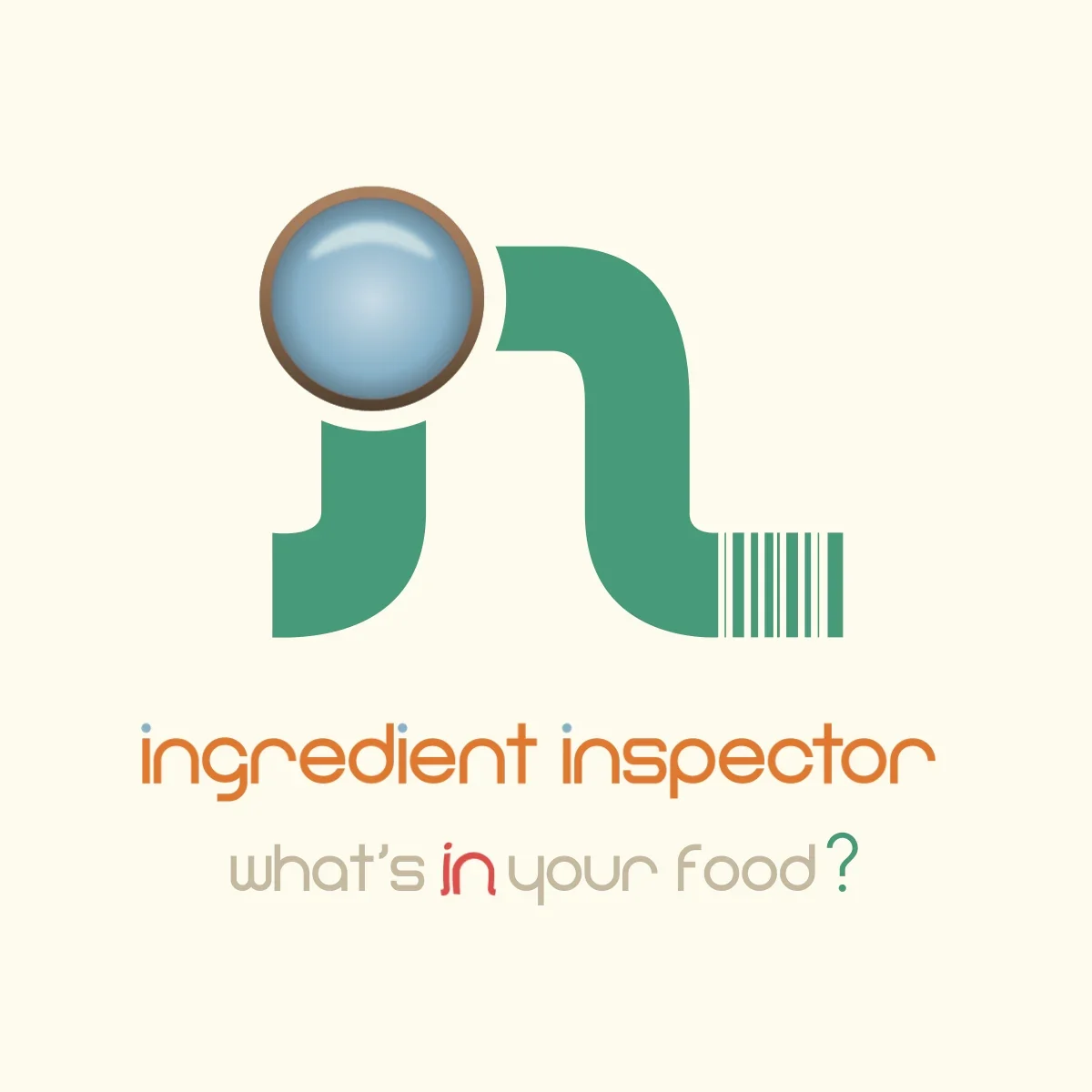
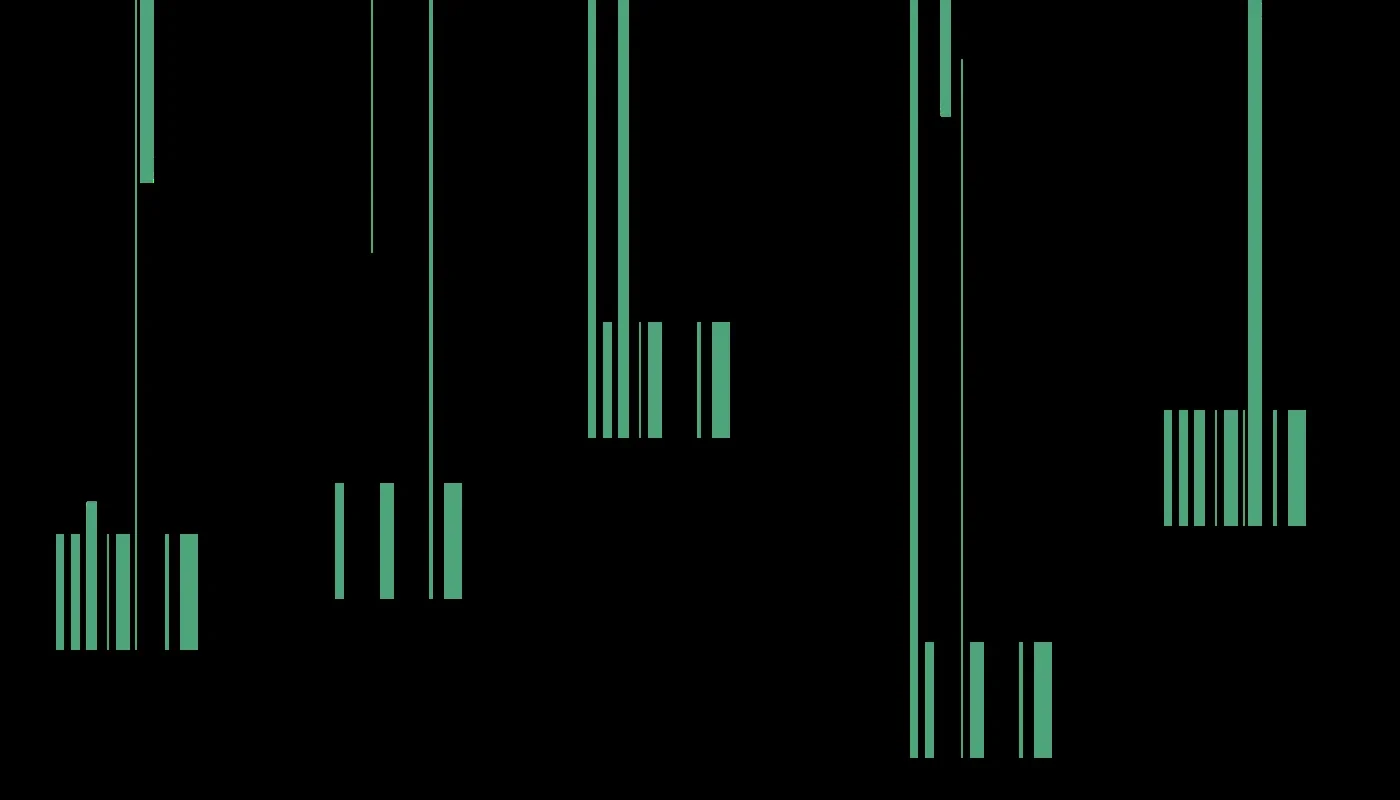
Figure 2Two motion systems at different scales: one introduces the app, the other extends its identity across the web. Click either to play.
5.0From beta to release
Build 5 was approved for external TestFlight after a 37-day review. A three-week external beta followed. As of August 9, 2026, the test window is complete and the project has entered its feedback stage. The closing survey asks what was easy, what was confusing, what failed, whether the results were clear, and whether the app would be useful in an actual grocery trip.
That feedback creates a bounded release decision: fix anything that compromises the core use of version one, move nonessential expansion into version two, and then submit the public App Store build. Ingredient Inspector is an ongoing product, but external beta is a finish line worth marking. The original idea became a working system, left the studio, and was used by people outside it.